
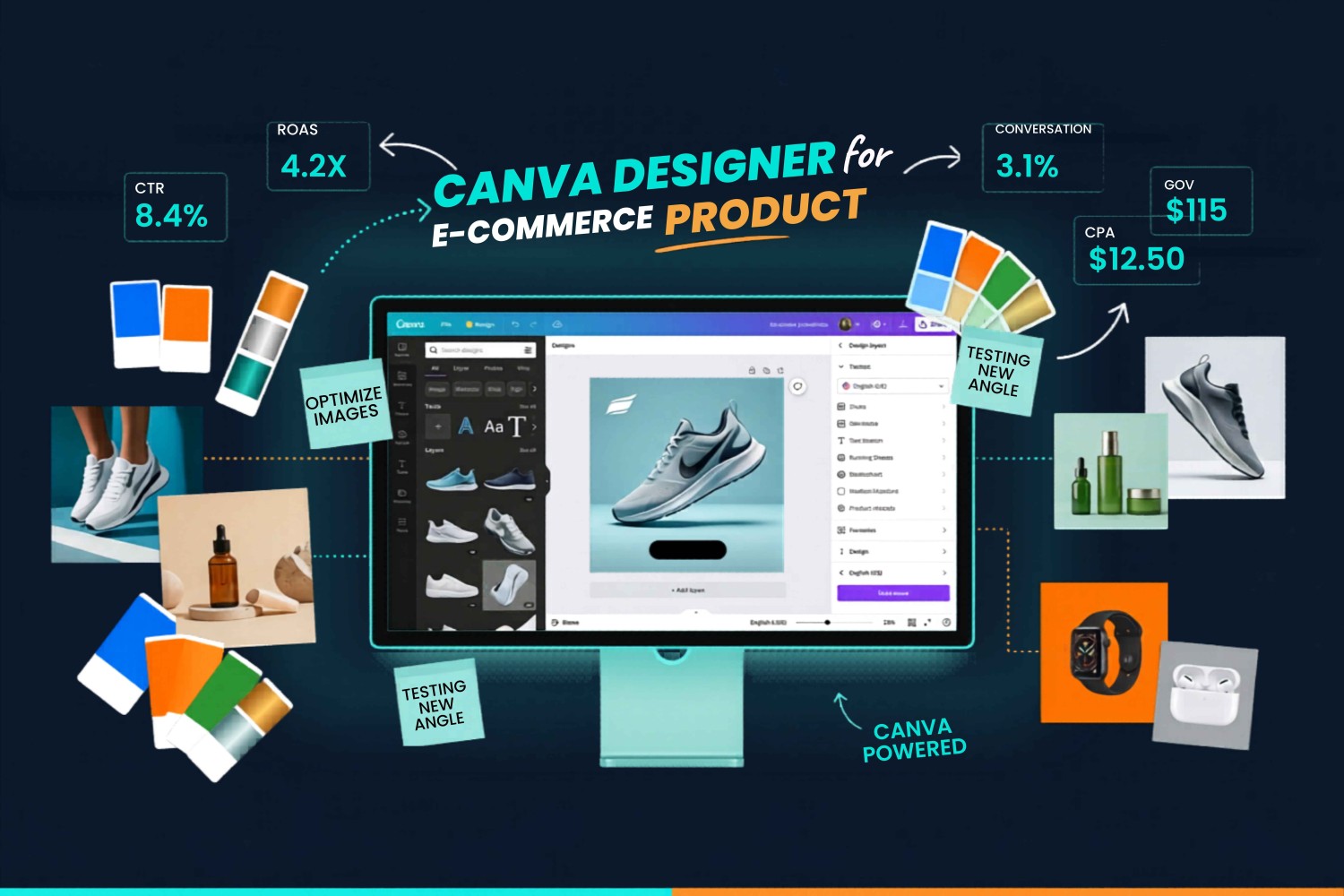
Expert Canva Designer for E-commerce: Mastering Product Ads & Promotions
In the fast-paced world of digital retail, your visual content is the primary bridge between a casual browser and a loyal customer. As an expert Canva designer for e-commerce, I understand that high-converting design is not just about making things look “pretty.” It is about psychology, strategic placement, and brand consistency that drives action.
Whether you are a startup owner or a marketing manager, learning to leverage Canva for your product campaigns is a game-changer. In this guide, we will explore how to craft professional-grade assets that stop the scroll, boost engagement, and, most importantly, skyrocket your sales.
The Strategic Role of Design in E-commerce
Your e-commerce marketing strategy is only as strong as the creative assets you deploy. When a potential customer scrolls through Instagram, Facebook, or TikTok, you have less than two seconds to capture their attention. If your ad looks unprofessional or cluttered, you lose that prospect instantly.
Professional design performs several crucial roles:
- Trust Building: High-quality, consistent visuals suggest a professional brand, which reduces anxiety for new customers making their first purchase.
- Product Clarity: Through strategic use of whitespace and high-res imagery, you ensure the product is the clear hero.
- Psychological Triggers: Utilizing color psychology, bold typography, and clear calls-to-action (CTAs) steers the user toward the “Buy Now” button.
Step-by-Step: Crafting High-Converting E-commerce Product Ads
Creating an ad that sells requires a systematic approach. Here is the framework I use as a designer.
Step 1: Define the Objective and Platform | Expert Canva Designer
Before opening Canva, identify the goal. Is this an “Awareness” ad for a new launch or a “retargeting” ad offering a discount to cart abandoners?
- Instagram/TikTok: Needs vertical, fast-paced, high-energy content.
- Facebook: Allows for more descriptive copy and diverse image sizes.
- Google Display: Requires clean, minimal designs that remain legible at small sizes.
Step 2: The “Hero” Image | Expert Canva Designer
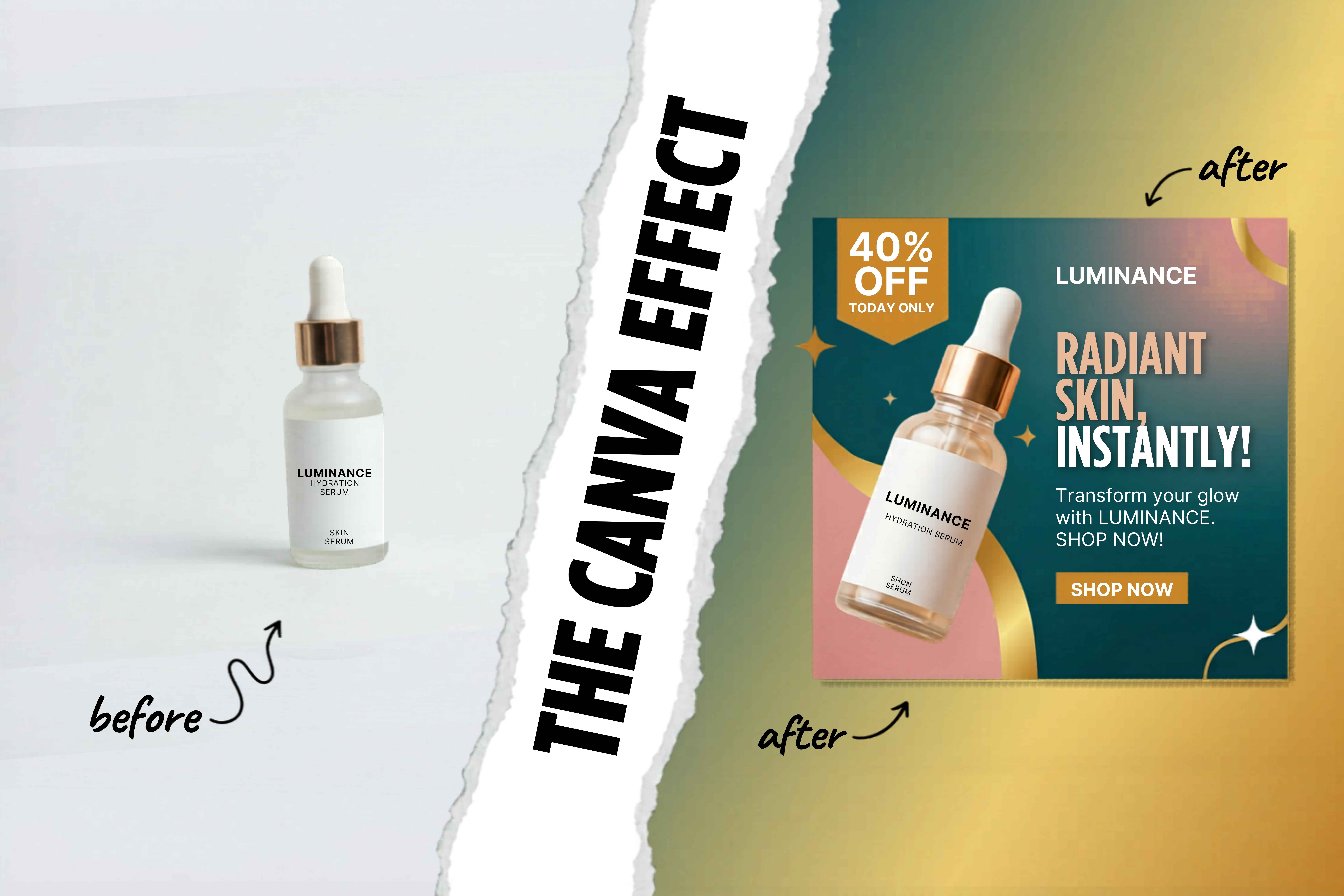
Your product must be the star. Use Canva’s Background Remover tool to isolate your product, then place it on a clean, brand-aligned background. If you don’t have professional studio shots, use Canva’s AI image tools to generate context-rich backgrounds that place your product in an aspirational setting.
Expert Canva Designer for E-commerce
Step 3: Strategic Typography | Expert Canva Designer
Avoid font chaos. Stick to a maximum of two, at most three, font families.
- Headline: Use a bold, attention-grabbing font to state the offer or the “hook.”
- Body Copy: Use a clean, highly readable font for details.
- Hierarchy: The size of the text should correlate with its importance. Your discount (e.g., “50% OFF”) should be significantly larger than the product name.
Step 4: The Power of the CTA | Expert Canva Designer
Never assume the user knows what to do next. Your CTA button should:
- Use a high-contrast color (the “pop” factor).
- Use action-oriented language (e.g., “Shop Now,” “Claim Your Deal,” “View Collection”).
- Be positioned in the “thumb zone” for mobile users.
Leveraging Canva’s Advanced Tools for E-commerce
Canva has evolved into a powerhouse suite for marketing. If you want to scale your e-commerce promotional campaigns, you need to utilize these features:
1. Brand Kits for Consistency | Expert Canva Designer
Brand consistency in design is the hallmark of a successful brand. Use Canva’s Brand Kit to lock in your HEX codes, primary fonts, and logo versions. This ensures that every team member produces content that looks like it belongs to your brand, preventing the “mismatched” look that kills customer trust.
2. Magic Resize | Expert Canva Designer
Stop recreating the same ad for different platforms. Create your primary Facebook ad, then use the Magic Resize feature to instantly convert it into an Instagram Story, a Pinterest Pin, or a LinkedIn banner. This saves hours of manual work.
3. Video and Motion | Expert Canva Designer
Static ads are okay, but social media marketing design today demands motion. Use Canva’s animation features to add subtle movement to your ads—perhaps a slight zoom on the product or an animated text reveal for the discount. Motion naturally draws the human eye, increasing your click-through rates.
4. AI-Powered Creative | Expert Canva Designer
Canva’s AI suite (Magic Write, Magic Edit, and Magic Expand) allows you to:
- Write compelling headlines for your ads.
- Extend the background of your images to fit different aspect ratios.
- Replace or add props into your images to keep your feed feeling fresh without constant reshooting.
Best Practices for Seasonal and Flash Promotions
Promotions are the lifeblood of e-commerce, but poorly designed promos can look “cheap.” To maintain brand integrity during a sale:
- Limit Your Palettes: During a holiday sale, it is tempting to use all the “festive” colors. Resist this. Use your core brand colors with just one accent color specifically for the sale to maintain a high-end feel.
- Create Urgency, Not Chaos: Use design to create urgency through timers or bold “Limited Time” callouts, but ensure the overall design remains organized.
- Social Proof: Always integrate elements of social proof. Use Canva to overlay a 5-star graphic or a short customer quote on your product ads. This is a top-tier e-commerce conversion tip.
Measuring Success: Design Analytics
As an expert designer, I don’t just rely on aesthetics; I rely on data. Always A/B test your designs.
- Test A: A lifestyle image (the product in use).
- Test B: A clean, studio-lit image of the product.
Check your ad platform’s analytics to see which one performs better. Use this data to inform your next round of designs. If your audience responds better to lifestyle imagery, shift your content strategy to focus more on that style.
Final Thoughts
While e-commerce has a low entry barrier, achieving success in this field is a significant challenge. By mastering your visual assets using Canva, you are not just making images; you are building an identity that consumers trust. Consistency, clarity, and a focus on the customer journey are the trifecta of effective digital advertising. Start small, maintain your branding, stay data-driven, and keep iterating.